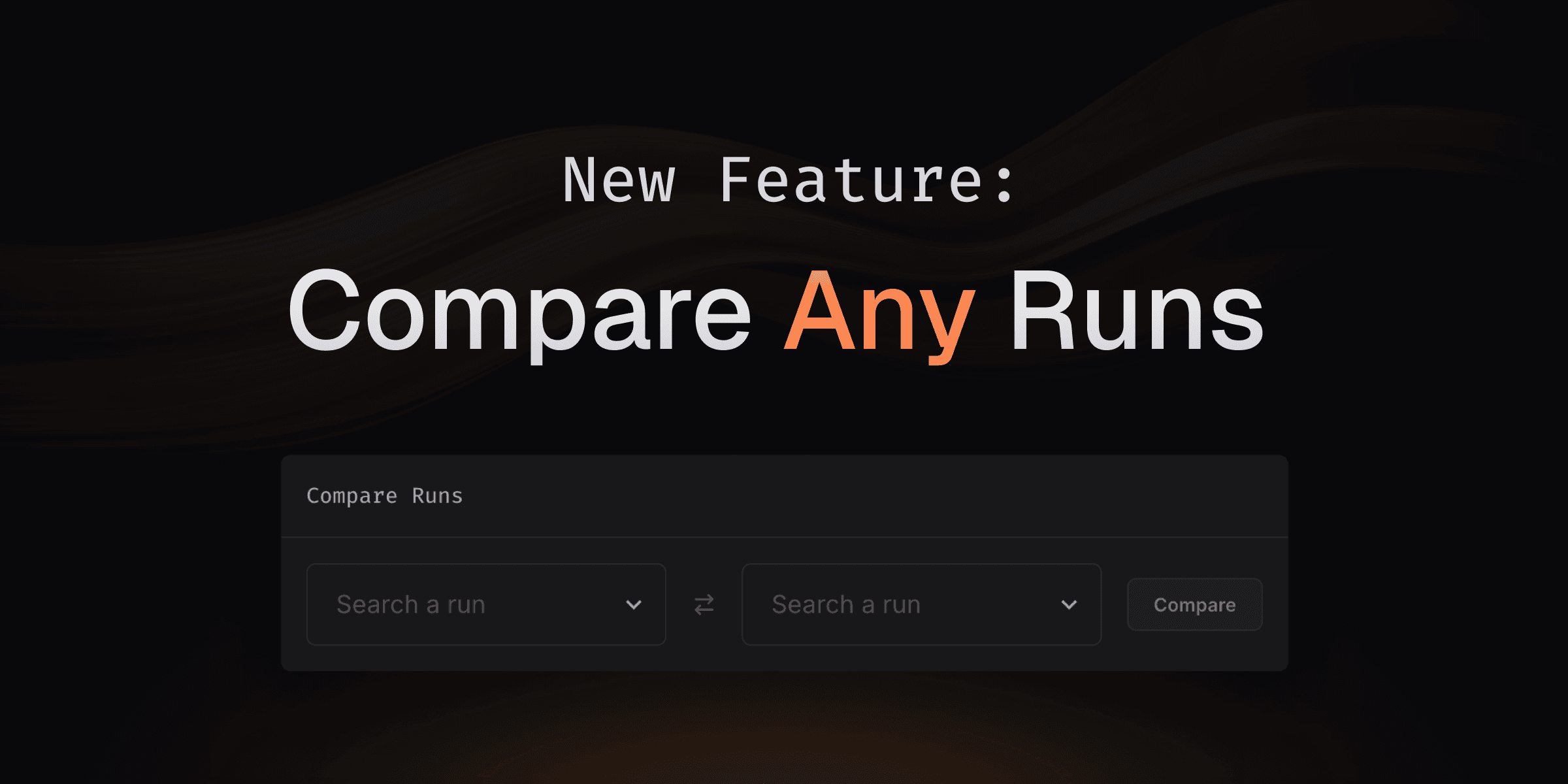
Until now, CodSpeed allowed you to compare runs only in specific
scenarios—either through pull requests comparing branches with their base or
comparing consecutive commits on a single branch.
With this new feature, you can now compare any runs: on arbitrary commits or
branches, and also local runs made with the CLI.
Want to try it out? Just head to the "Runs" tab of a project (you can find a few
of them here) and select the runs you want to compare!
Comparing astral-sh/ruff versions 0.7.4 and 0.8.1. Check it out
here!
What's Next? 🚀
Soon, we'll be adding the ability to compare tags directly, making it even
simpler to compare runs across different versions of your project. Stay tuned
for more updates!
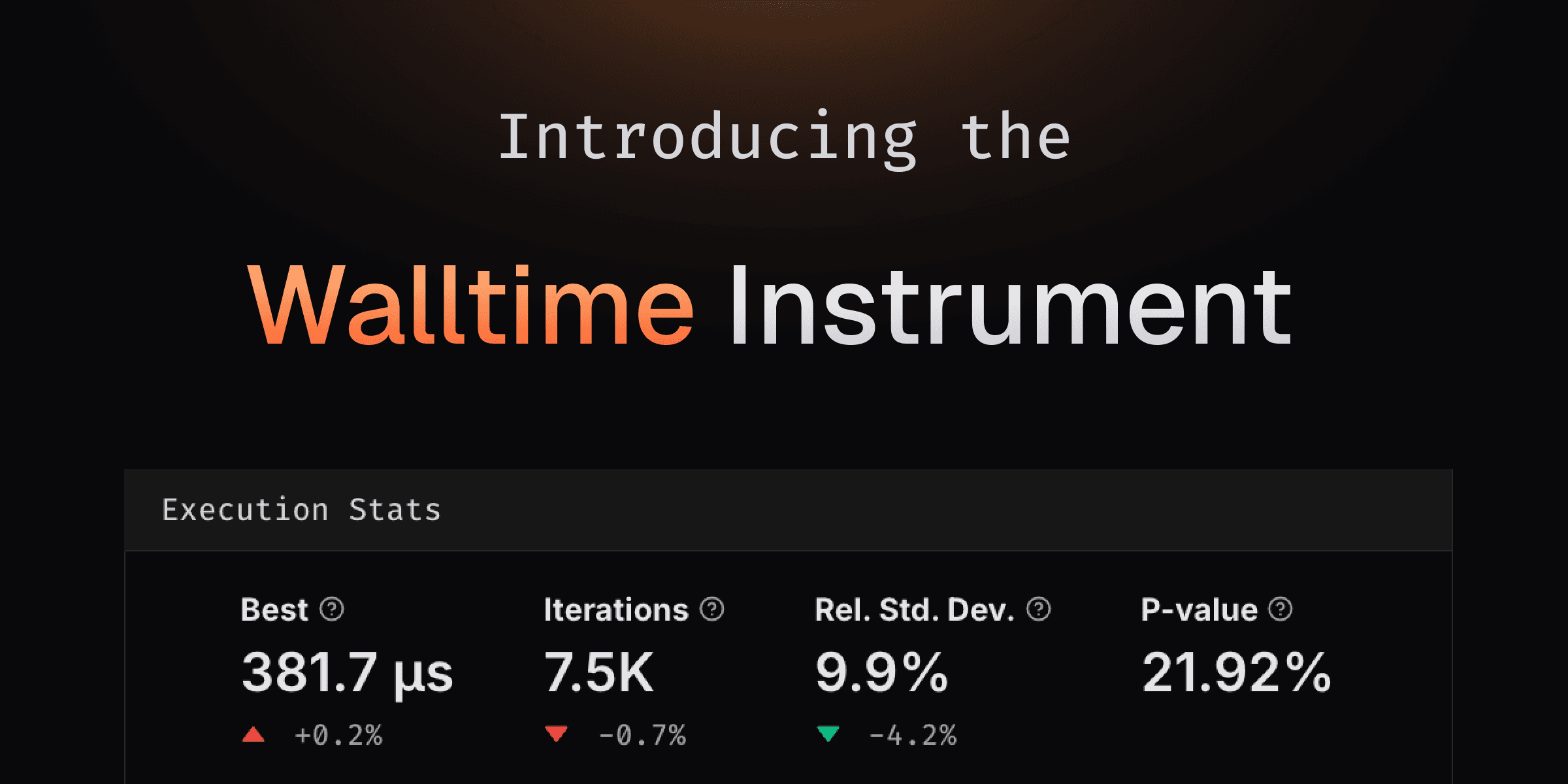
We're thrilled to unveil Walltime, a groundbreaking addition to CodSpeed's
suite of instruments! 🎉 This new tool measures the wall time of your
benchmarks—the total time elapsed from start to finish, capturing not just
execution but also waiting on resources like I/O, network, or other processes.
At first glance, this might seem like a shift from our core philosophy of making
benchmarks as deterministic as possible. But here's the thing: real-world
performance often depends on the messy, noisy details of resource contention and
latency. Walltime offers a lens into these real-world scenarios, making it an
invaluable tool for system-level insights—without losing sight of the precision
you trust CodSpeed to deliver.
Even as we introduce this new instrument, we remain committed to bringing
consistent and reproducible results. That's why Walltime is exclusively
available on CodSpeed Macro Runners. These hosted bare-metal runners are
purpose-built for macro benchmarks, running in isolation to minimize
environmental noise. This means you get realistic performance data without
unnecessary interference.
Getting Started
Running Walltime measurements is as simple as changing the execution runner to
codspeed-macro in GitHub Actions. Here's an example of how to do it:
We'll soon also start supporting self-hosted GitLab instances on the Enterprise
plan, so if you have one and are interested in trying it out, please reach out
to us by email or on
Discord!
We’re thrilled to announce the arrival of our dark theme, designed to enhance
your experience, especially during those late-night coding or benchmarking
sessions!
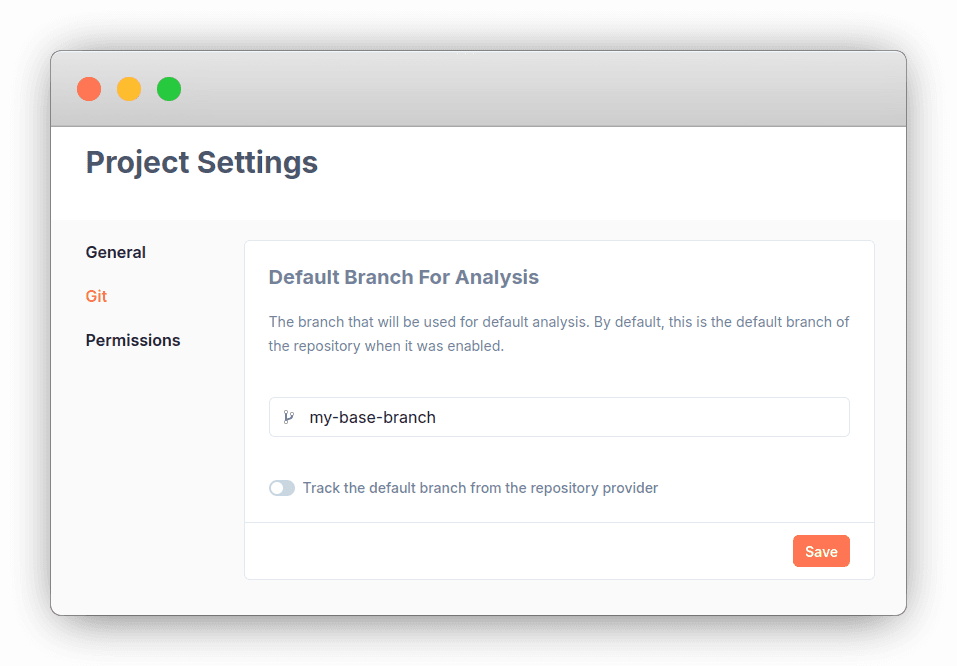
It is now possible to specify the default base branch for analysis of a
repository. It no longer has to be the default branch set on the repository
provider.
It is now possible to list all the runs of a repository independently from their
branch using the new runs page: This page also come
with individual run pages, allowing for example to dive into the runs made on
push on a default branch:
This CLI tool allows to make local runs, upload them to CodSpeed, and compare
the results to a remote base run. All without having to push your code to a
remote repository.
This will help you shorten the feedback loop on performance, you will not have
to push your code and wait for the GH Action to complete to see the impact of
your changes.
Trying it out
At the moment it only works on Ubuntu 20.04/22.04 and Debian 11/12.
To get started, you can run the following commands:
# Install the codspeed clicurl -fsSL https://codspeed.io/install.sh | bash# Authenticate the CLI with your CodSpeed accountcodspeed auth login# Inside a repository enabled on CodSpeed# By default, the local run will be compared to the latest remote run of the default branch# If you are checked out on a branch that has a pull request and a remote run on CodSpeed, the local run will be compared to the latest common ancestor commit of the default branch that has a remote runcodspeed run [BENCHMARK_COMMAND]




 This page also come
with individual run pages, allowing for example to dive into the runs made on
push on a default branch: