

Jan 22, 2026
Search and Filter Benchmarks
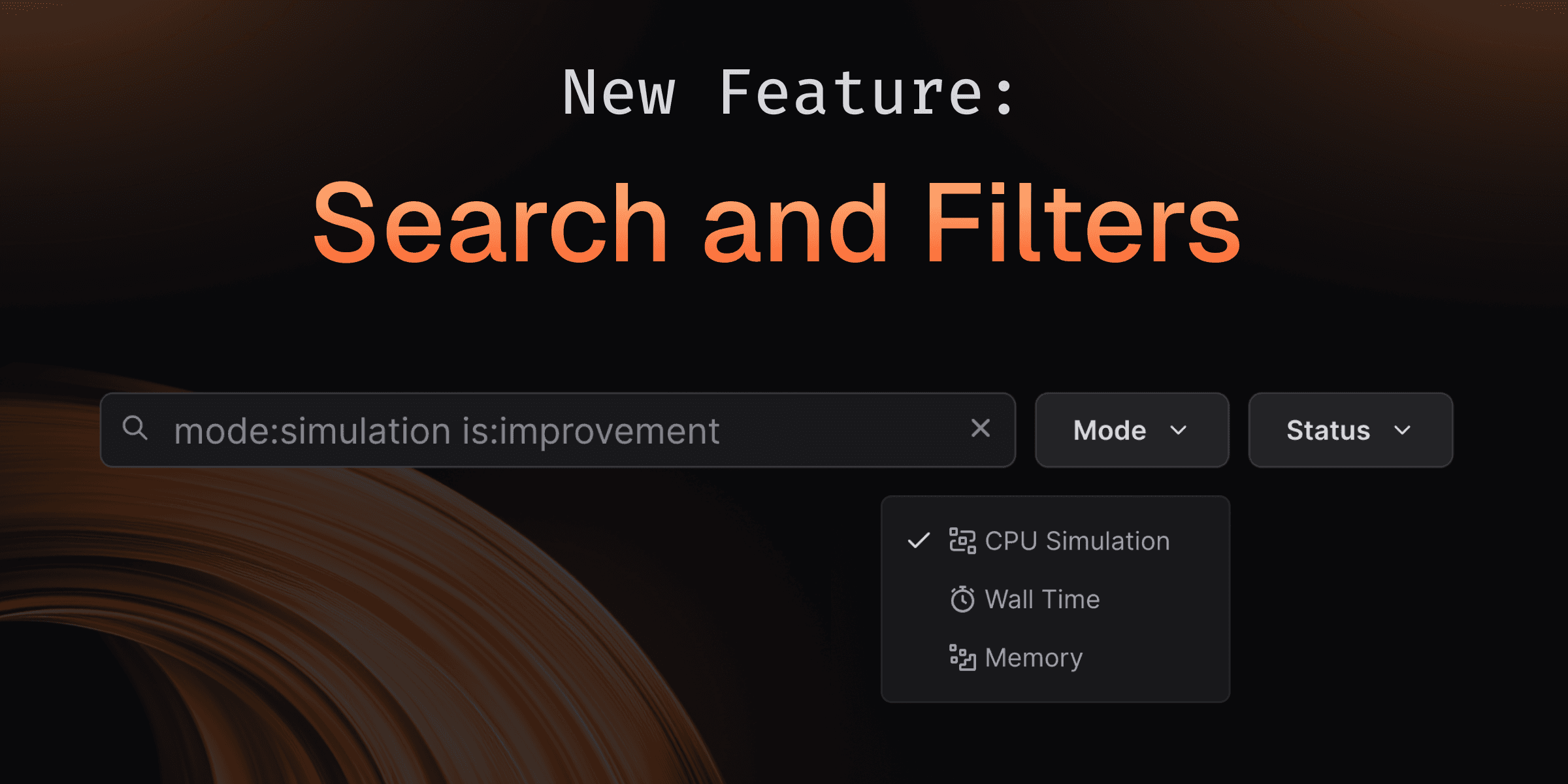
Finding the right benchmark in a repository with thousands of results and multiple instruments used to mean endless scrolling. With Search and Filtering, you can instantly navigate benchmark suites of any size—whether you have 10 or 10,000 benchmarks using powerful GitHub-style filters, text search, and smart pagination that keeps everything fast and responsive.
How It Works
Use the search bar on any branch, comparison, or run page to quickly filter benchmarks.
Text search
Type any part of a benchmark name or path. Multiple space-separated terms work as AND filters to narrow results further.
Status filters
Use is: syntax to filter by benchmark state:
is:regression- Show performance regressionsis:improvement- Show performance improvementsis:archived- Show archived benchmarksis:ignored- Show ignored benchmarksis:skipped- Show skipped benchmarksis:new- Show newly added benchmarksis:untouched- Show unchanged benchmarks
Mode filters
Filter by instrumentation mode:
mode:simulation- Show only simulation mode resultsmode:walltime- Show only walltime mode resultsmode:memory- Show only memory mode results
Combine filters
For example,
is:regression mode:simulation optimizefinds all regressions in simulation mode with "optimize" in the name or path.
Try It Yourself
Search and filtering is available now on all your benchmark pages. Try it on your next benchmark run—search for specific tests, filter by performance changes, or explore archived benchmarks with zero lag!