

Jan 19, 2026
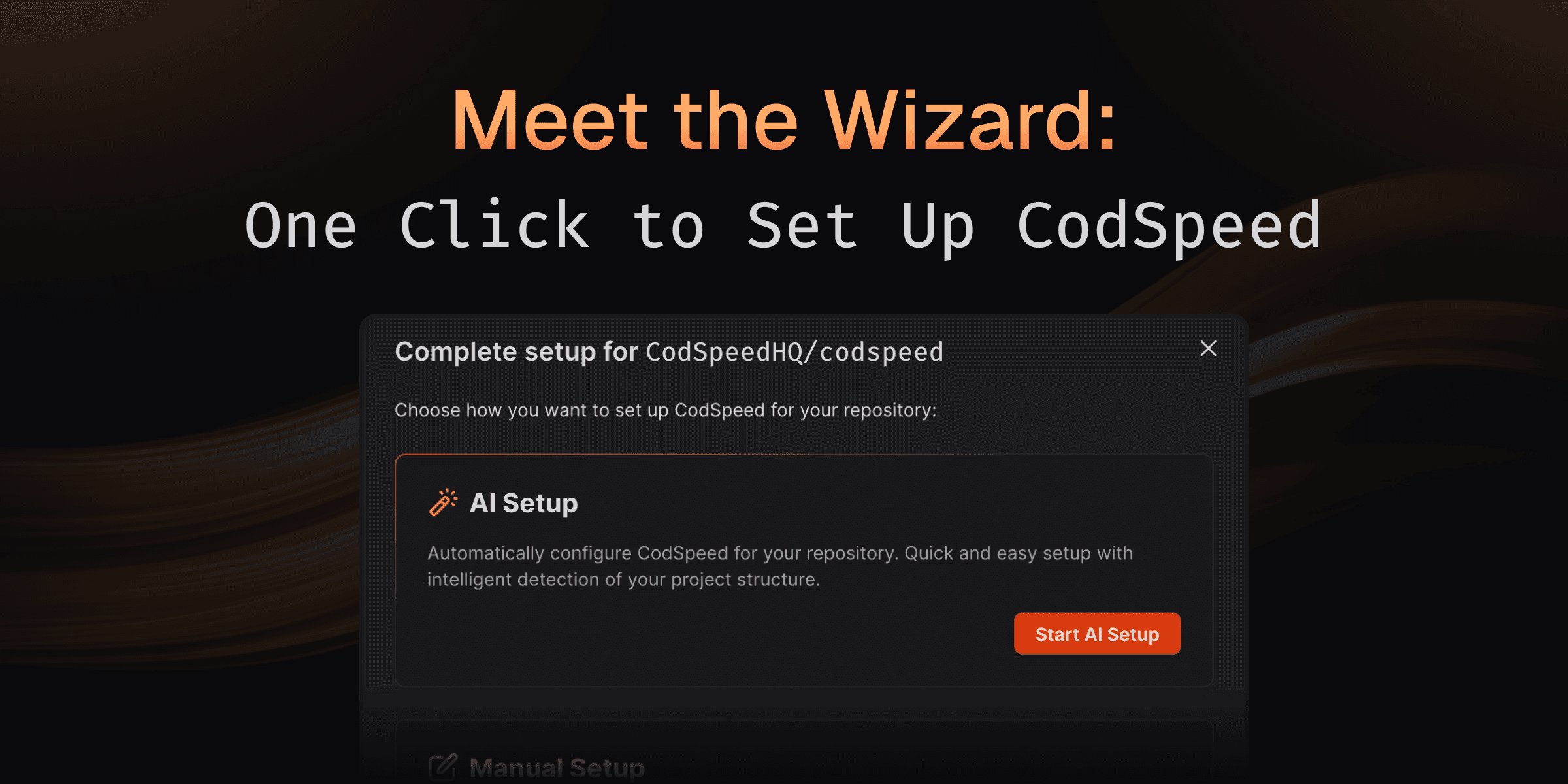
Meet the Wizard: One Click to Set Up CodSpeed
Setting up continuous performance checks shouldn't take hours of reading docs, configuring workflows, and hoping you got everything right.
With the CodSpeed Wizard, our agent handles it all in one click. Detecting your project structure, hooking up benchmarks to the CodSpeed Harness, and generating optimized CI workflows.
Watch the Wizard set up a repository (dtolnay/anyhow) from scratch
How It Works
The Wizard analyzes your repository and handles the entire setup process:
- Detects existing benchmarks: Automatically finds and configures your benchmarks in the language and framework you're using.
- Creates benchmarks if needed: No benchmarks yet? The Wizard generates appropriate benchmark files for your project
- Generates CI workflows: Creates optimized GitHub Actions or GitLab CI configurations tailored to your setup
- Opens a pull request: All changes are submitted as a PR for you to review and merge
The entire process takes minutes instead of hours, and you can review every change before merging.
Codebase Integration
The Wizard doesn't just template files—it understands your project:
- Detects your testing framework and build system
- Identifies the right directories for benchmark files
- Configures appropriate runner settings based on your needs
- Ensures compatibility with your existing CI pipeline
Whether you're adding CodSpeed to a mature project with established benchmarks or starting fresh, the Wizard adapts to your workflow.
What's Coming Next?
The Wizard is just getting started. We're working on even more powerful capabilities:
- On-demand benchmarks: Add new benchmarks for specific functions or modules directly from your dashboard
- GitHub-native performance fixes: Comment on performance regressions in pull requests and let the Wizard automatically investigate and propose optimizations
- Continuous optimization: Proactive suggestions for benchmark coverage and performance improvements as your codebase evolves
The future of performance monitoring is automated, intelligent, and seamlessly integrated into your workflow.
Try It Yourself in One Click
From your CodSpeed dashboard, click "Configure repository" and then "Start AI Setup" to let the Wizard do the work. You'll have a pull request ready for review in minutes, complete with all the configuration needed to start tracking performance.
Ready to automate your setup? Head to your dashboard and try it out.