> ## Documentation Index
> Fetch the complete documentation index at: https://codspeed.io/docs/llms.txt
> Use this file to discover all available pages before exploring further.
> Learn how to customize your integration with CodSpeed
# Customization
## Regression threshold
The regression threshold is the **percentage of performance degradation**
relative to your default branch that is **considered acceptable**.
CodSpeed provides fine-grained control over regression thresholds, allowing you
to configure different thresholds for individual benchmarks.
The status check passes only when **all benchmarks** remain within their
respective regression thresholds. If any benchmark exceeds its threshold, the
status check will fail. You can resolve this by either fixing the performance
issue or
[acknowledging the regression](./performance-checks#acknowledge-regressions-or-benchmark-drops).
### Global regression threshold
By default, the global regression threshold is set to **10%** but you can change
it in the **Settings** tab of your repository:
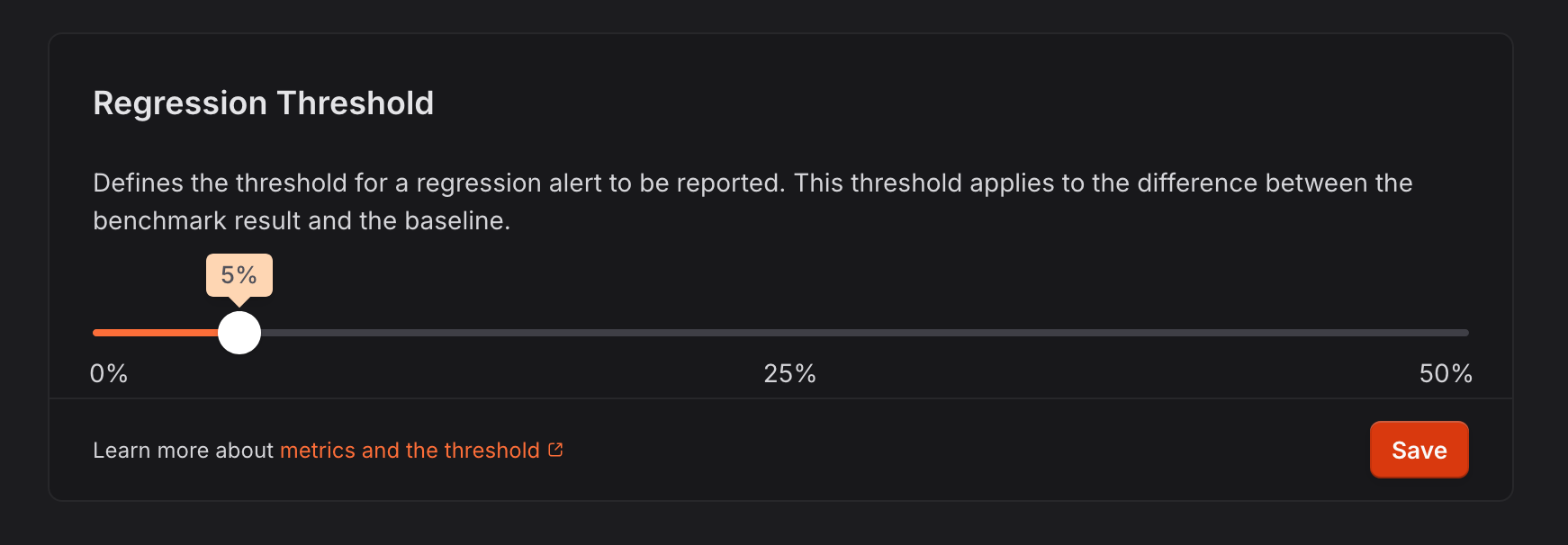 The global regression threshold applies to all benchmarks that do not have a
specific per-benchmark regression threshold set.
### Per-benchmark regression thresholds
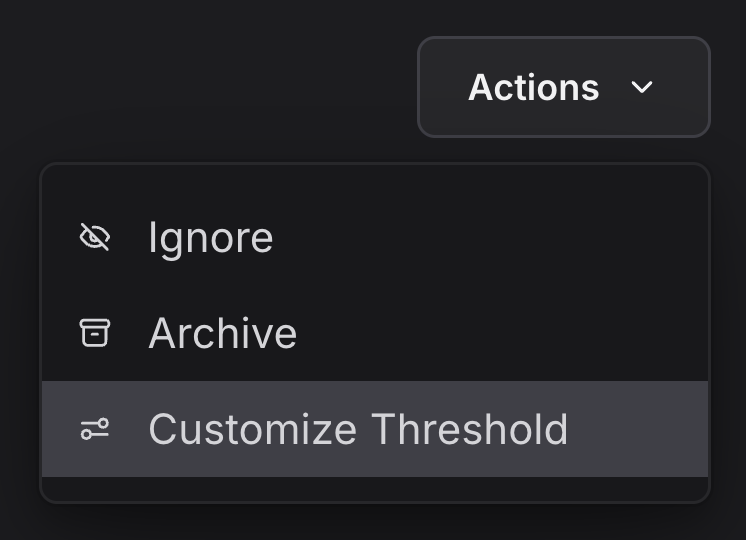
Individual benchmarks can have custom regression thresholds configured from the
benchmark's dashboard page via the "Actions" menu:
The global regression threshold applies to all benchmarks that do not have a
specific per-benchmark regression threshold set.
### Per-benchmark regression thresholds
Individual benchmarks can have custom regression thresholds configured from the
benchmark's dashboard page via the "Actions" menu:
 The modal allows you to configure a custom regression threshold for the
benchmark:
The modal allows you to configure a custom regression threshold for the
benchmark:
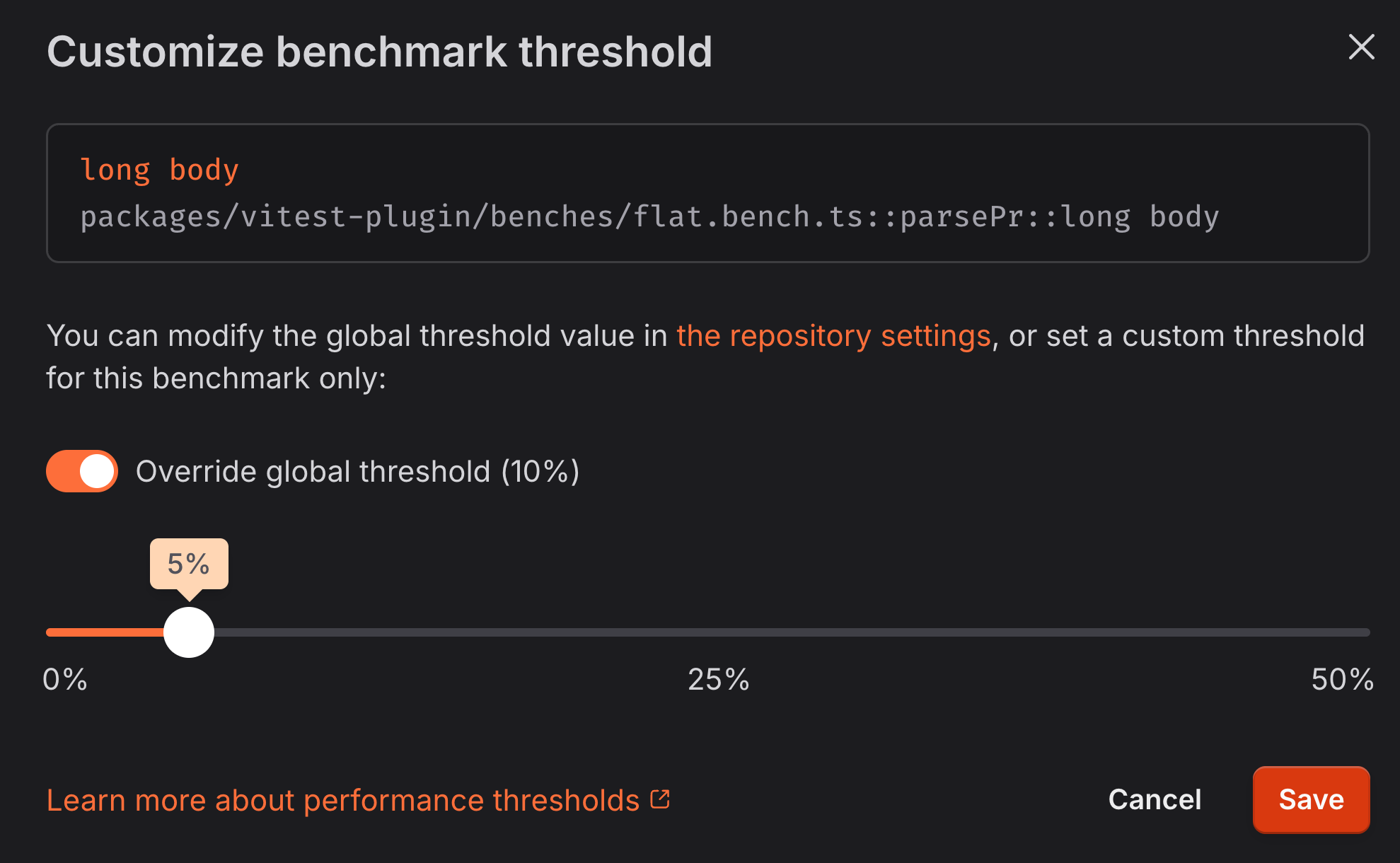 Per-benchmark regression thresholds override the global threshold when set,
allowing fine-grained control over performance expectations for specific
benchmarks.
## Informational Status Check on Failure
Sometimes, you may not want a failure status to appear in your pull requests
when the performance check fails.
In this case, you can enable the **Informational Status Checks on Failure**
option in the **Settings** tab of your repository.
When this option is enabled, the status check will be sent as an informational
status check instead of a failure.
## Pull Request comments
You can customize when the Pull Request reports will be sent:
* **Always**: performance will be reported **on every commit**. If a comment
already exists, it will be updated.
* **On Change**: performance will be reported **if there is a significant
improvement**(more than the regression threshold) or **a failure**(a
regression or a drop). If the comment is created after a change, it will be
updated later on even if the performance is in standard bounds.
* **Never**: the performance will **never be reported** in the comments of your
Pull Requests. The status check will still be sent though.
Per-benchmark regression thresholds override the global threshold when set,
allowing fine-grained control over performance expectations for specific
benchmarks.
## Informational Status Check on Failure
Sometimes, you may not want a failure status to appear in your pull requests
when the performance check fails.
In this case, you can enable the **Informational Status Checks on Failure**
option in the **Settings** tab of your repository.
When this option is enabled, the status check will be sent as an informational
status check instead of a failure.
## Pull Request comments
You can customize when the Pull Request reports will be sent:
* **Always**: performance will be reported **on every commit**. If a comment
already exists, it will be updated.
* **On Change**: performance will be reported **if there is a significant
improvement**(more than the regression threshold) or **a failure**(a
regression or a drop). If the comment is created after a change, it will be
updated later on even if the performance is in standard bounds.
* **Never**: the performance will **never be reported** in the comments of your
Pull Requests. The status check will still be sent though.